
Read more
- Live Period Filtering
- Middle setting
- Filters Adjustment
- Two Lists of Bookmakers: All bookmakers and Required
- Outcome filtering
- Country filtering
- Show / Delete the selected league
Filters Adjustment
Before you start operating with surebets with the help of our scanner, we recommend you spare some of your time to familiarize yourself with its simple settings. This way, you will get a general idea of the process the surebets are all going through before being displayed on the main page of the scanner.
By using the advanced settings of our scanner, you will be able to turn your work into something more than just profit-making. The settings will allow you to set up the scanner in a way that makes your earnings comfortable and enjoyable, and the display of arbitrage opportunities is fully aligned with your preferences.
You can customize not only the arbitrage percentage and types of sports for your bookmaker accounts, but also set such parameters as specific leagues, outcome types, time interval before the event starts, surebet lifetime, odds range, and much more.
In this article, we will dig into each of these settings in detail and provide comprehensive information about what each of them controls.
There are two ways to get to the advanced filter settings page. You can do it by clicking on the filter name:
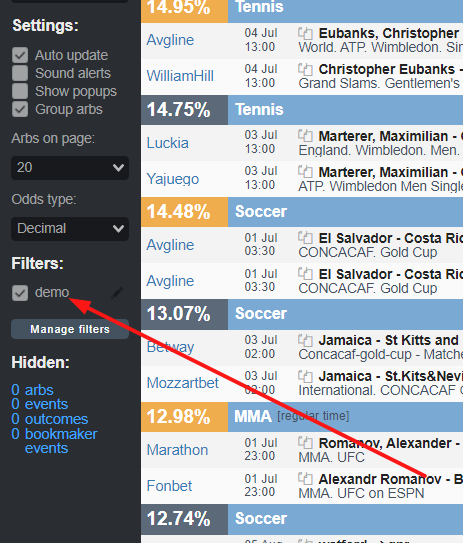
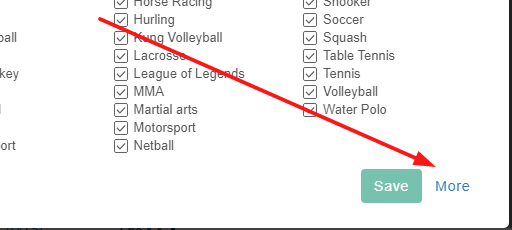
and then navigating to ‘More’:
or through the account settings:
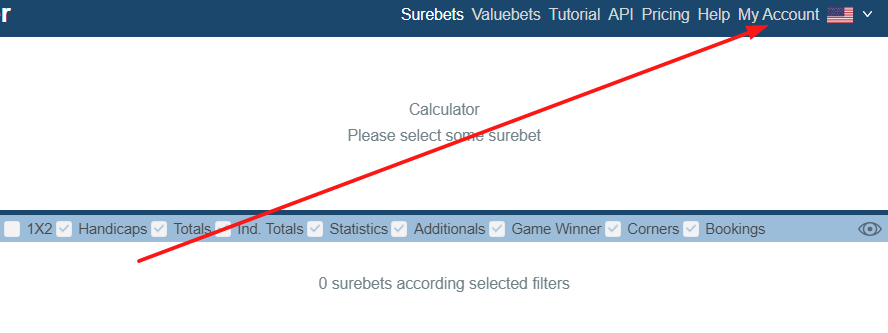
Next, go to the ‘Filters’ section:
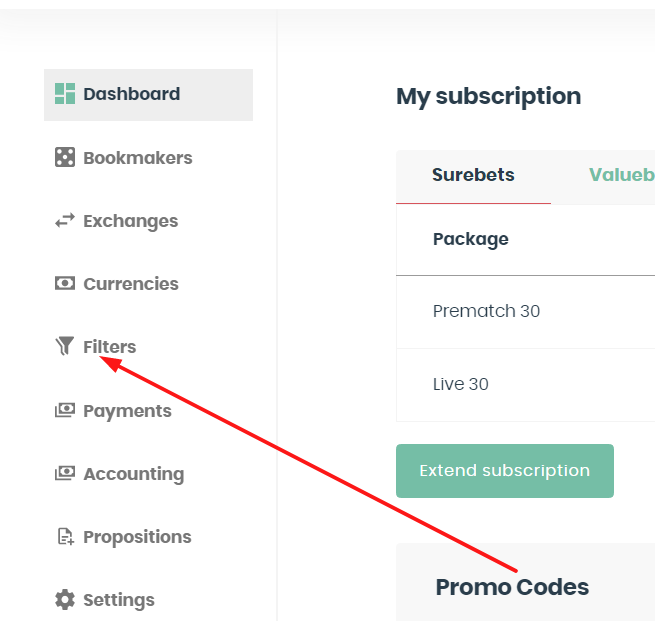
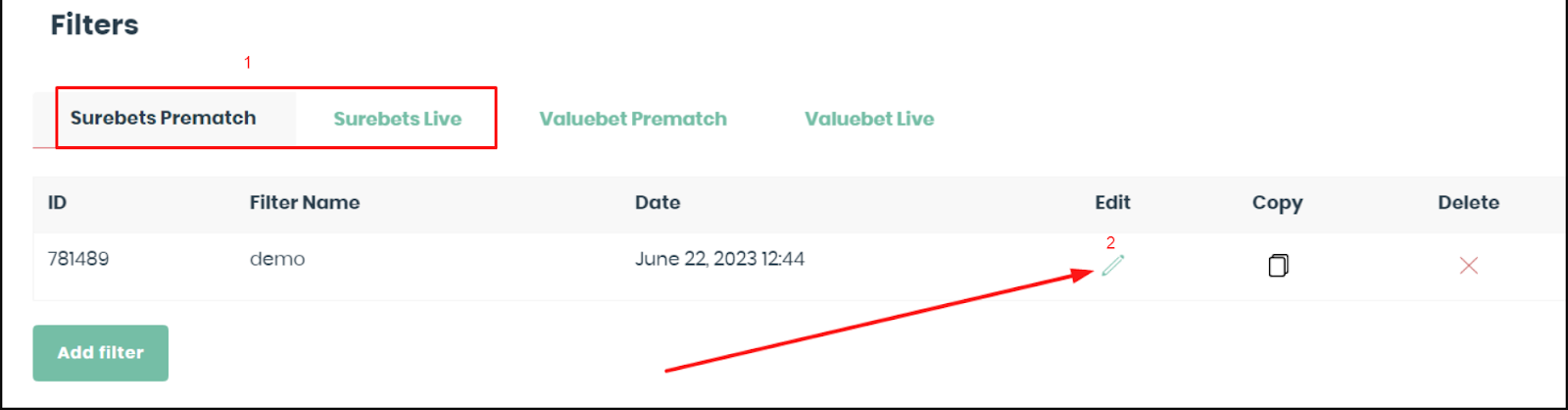
And choose the relevant section for the type of surebet you want to set up (Live or Prematch). Then click on the pencil icon:
Let's analyze each setting.
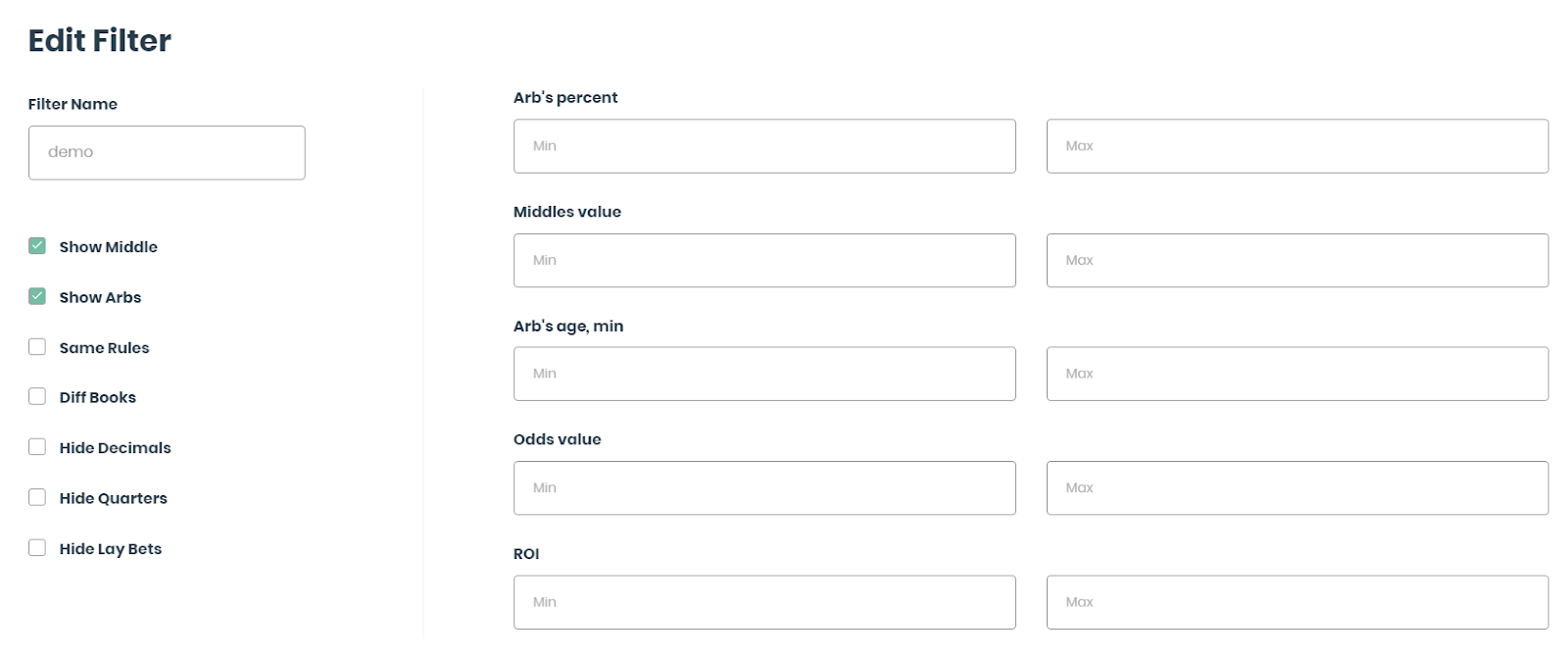
Filter Name: the name of your filter. You can change the name of the filter, and create multiple filters with different settings and names.
Arb's percent: here you can specify the minimum and maximum profitability values for surebets displayed in the scanner. The minimum profitability threshold for prematch is -1%, and for live it’s 0%.
Middles value: here you can set the minimum and maximum values for middles.
Arb's age, min: a parameter allowing to specify the minimum and maximum age of the surebet to be displayed in the scanner. You can adjust the time range according to your preferences.
Odds value: restricts the display of arbitrage opportunities in the scanner to odds within the specified range. However, it's worth noting that setting a very narrow range for this option may limit the visibility of most relevant arbitrage events.
ROI: this setting considers several important parameters, such as arbitrage profitability and the time for the bankroll turnover.s.
Show Middle: this option enables the display of middles in the scanning results.
Show Arbs: this option enables the display of surebets in the scanning results.
By default, our scanner will display all found surebets and middles in the search results. You can leave these settings as they are or choose to display only arbs or only middles if desired.
Same Rules: this filter takes into account the same basic rules in different bookmakers for different sports. We recommend checking the rules for different sports on your own at those bookies where you are going to place your bets, as rules may change sometimes even within the same bookmaker for different tournaments.
Diff Books: this filter excludes the display of surebets within the same bookmaker.
Hide Decimals: this filter excludes the display of decimal handicaps and totals.
Hide Quarters: this filter excludes the display of quarter handicap and totals.
Hide Lay Bets: a setting for bettors using betting exchanges with the option of Lay betting.
Bookmakers: here you’re able to select bookies where you want to place bets.
- All Bookmakers: the setting displays surebets with all bookmakers.
- Required Bookmakers: this parameter sets mandatory bookmakers. They are to be selected by double-clicking on their name. This means that only surebets associated strictly with these bookmakers will be displayed.
Sports: this option is for customizing the list of sports to be scanned based on your personal preferences and interests.
Arb Types: here you can choose the type of arbitrage
Countries: you can apply a filter by countries to scan only arbitrage opportunities in sports taking place in the selected countries.
Outcomes: an option to display surebets with two or three outcomes.
Events From: a setting to filter out matches starting ‘not earlier than’.
Events Till: a setting to filter out matches starting ‘no later than’.
Included Leagues: here you can set up a filter to display only surebets from the selected leagues and tournaments.
Excluded Leagues: this setting is to specify the leagues and tournaments for which you do not want to receive arbitrage opportunities.
Remember that any changes to the settings on this page will take effect only after clicking the 'Save' button.